Home / Modules / Accounting
Books & banking
Accounting
Chart of accounts, banking, customers, vendors, receipts, payments, debit/credit notes, and reports.
Turn the module on
Add-ons Manager: Active. Plan includes Accounting. Give the user a role that can view or edit accounting, and System Setup if they should change payment methods.
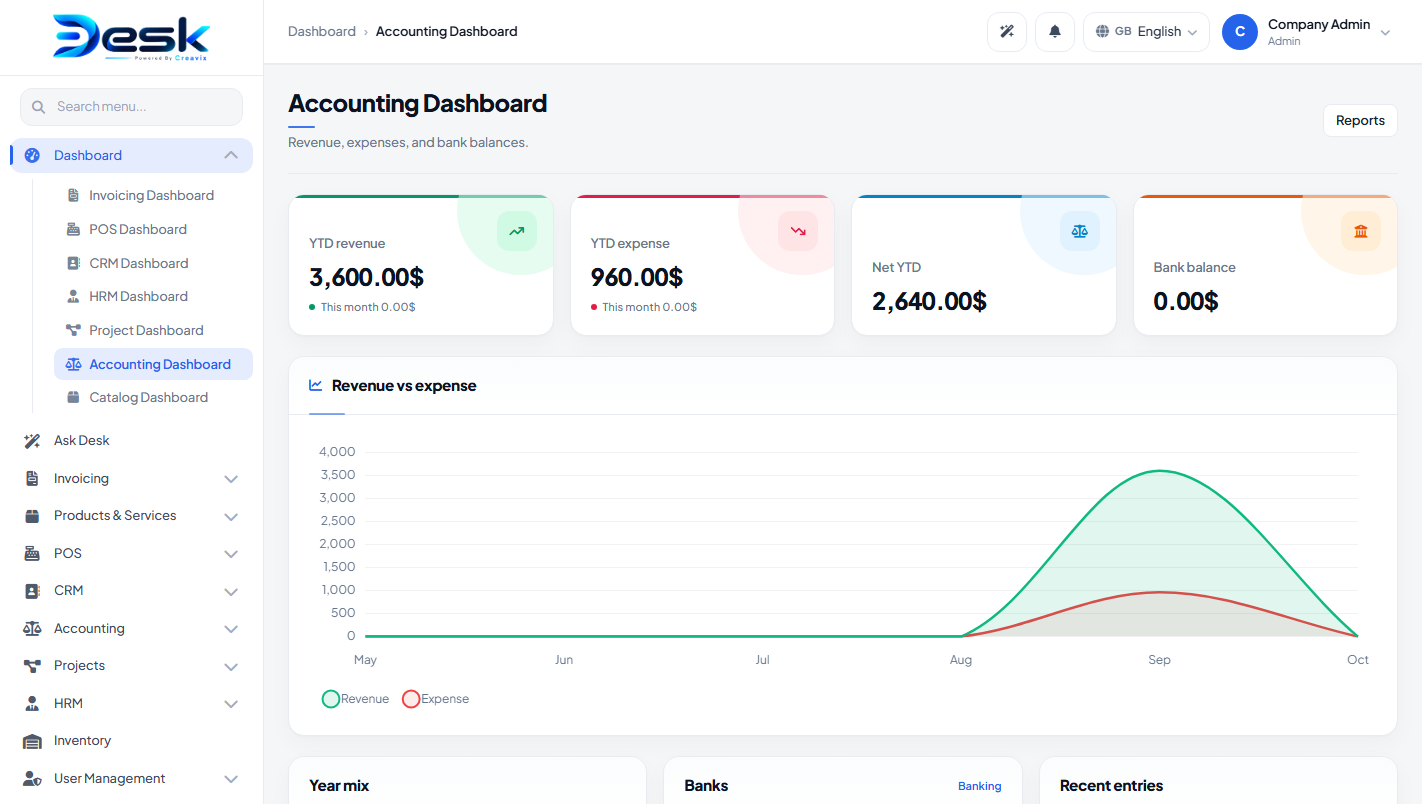
Sidebar: Dashboard → Accounting Dashboard (revenue, expense, banks). Under Accounting: Customers, Vendors, Banking, Chart Of Accounts, Vendor Payments, Customer Payments, Revenue, Expense, Debit Notes, Credit Notes, Reports, System Setup.
System Setup: accounting payment methods (name, active, sort).
Chart of accounts
Fields: code, name, type (asset / liability / equity / income / expense), opening balance, sort order, active. Create your bank/cash asset accounts before banking or payments.
Customers & vendors
Customers: name, email, phone, company name, billing/shipping address, opening balance, notes, active.
Vendors: name, company name, email, phone, tax number, address, opening balance, notes, active.
Banking
Bank accounts: linked asset COA, display name, bank name, account number, opening balance.
Transfers: from account, to account, date, amount, notes.
Day-to-day entries
| Screen | Typical fields |
|---|---|
| Revenue | Customer, income account, deposit account, payment method, date, mode (cash/credit), amount, reference, notes |
| Expense | Vendor, expense account, payment account, payment method, date, mode, amount, reference, notes |
| Customer payments | Customer, deposit account, payment method, date, amount, reference, notes |
| Vendor payments | Vendor, payment account, payment method, date, amount, reference, notes |
| Debit notes | Vendor, expense account, date, amount, reference, notes |
| Credit notes | Customer, income account, date, amount, reference, notes |
Reports
Trial balance, Profit & loss, Balance sheet, Ledger, Customer statement, Vendor statement. Several reports offer CSV export.
© Creavix Desk