Home / Modules / AI assistant
Optional writing help
AI assistant
Sparkle icons draft notes and Ask Desk reads this company’s records. Super Admin must turn AI on first. Invoices, stock, journals, and payroll still use Desk rules — never the assistant.
Turn it on
- Super Admin → Settings → AI assistant. Enable the switch.
- Keep On-desk drafts if you do not have a cloud key. Optional: OpenAI, Gemini, or Anthropic + API key + Test (plug icon).
- Plans: include the AI module (seeded plans already do).
- Company role: Ask Desk / draft permission (Admin has it).
If AI is off, every sparkle button is hidden. Billing, CRM, HRM, and POS keep working.
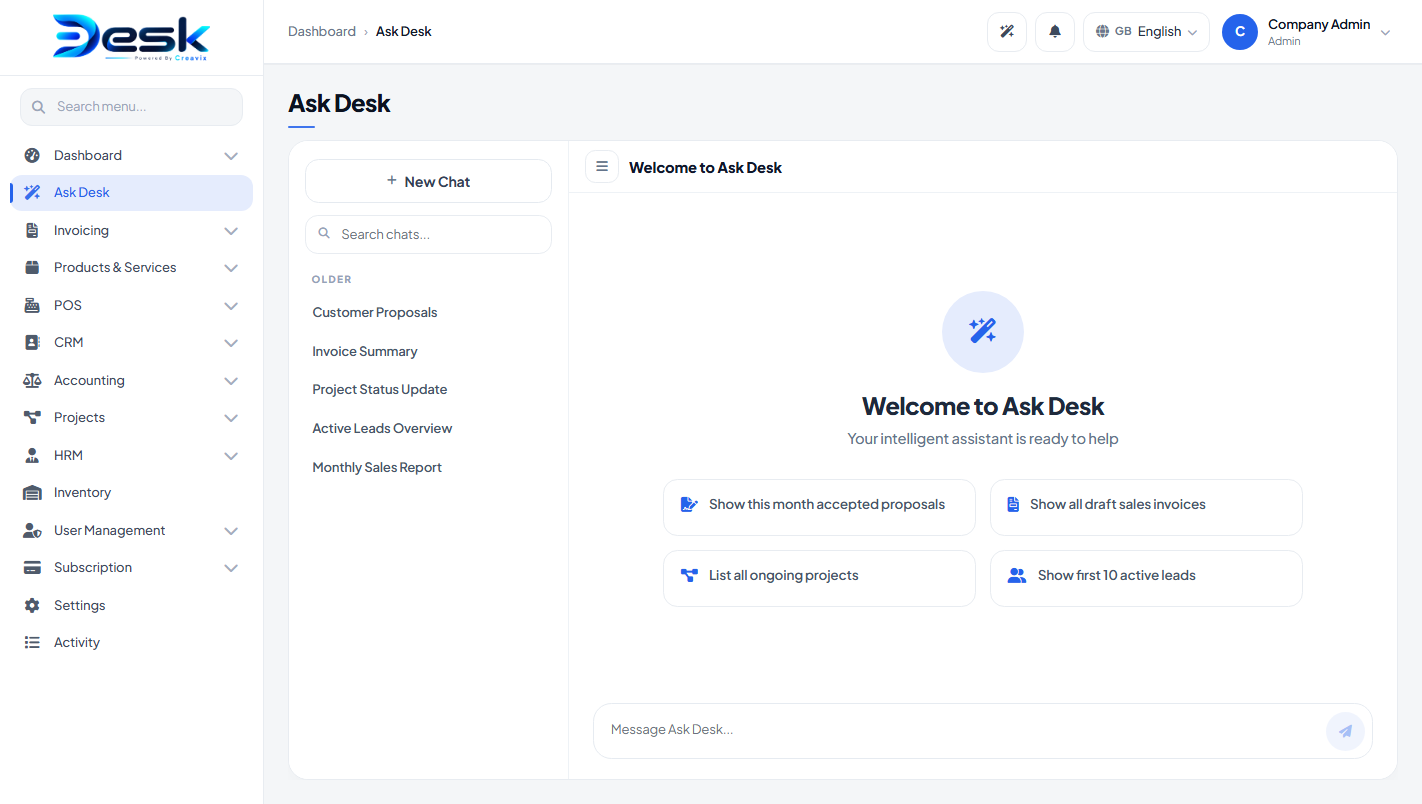
ask-desk.png.Sparkle drafts
On a notes or description field, tap the wand icon. Desk fills the box. Tap again for a different wording. You still press Save.
Drafts appear on invoices, quotes, credit notes, CRM notes, product descriptions, job openings, announcements, and Super Admin email templates.
Ask Desk
Company header wand, or sidebar Ask Desk. Use the topic icons or a short question: open invoices, open leads, low stock, pending leave, headcount, today at the till. Answers use only that company.
Limits
- Monthly draft cap is set by Super Admin. When it is reached, Desk still fills a local draft so work is not blocked.
- Cloud keys stay on the server. The browser never talks to OpenAI / Gemini / Anthropic directly.
- Do not expect the assistant to post journals, pay slips, or till sales.
© Creavix Desk